Project overview
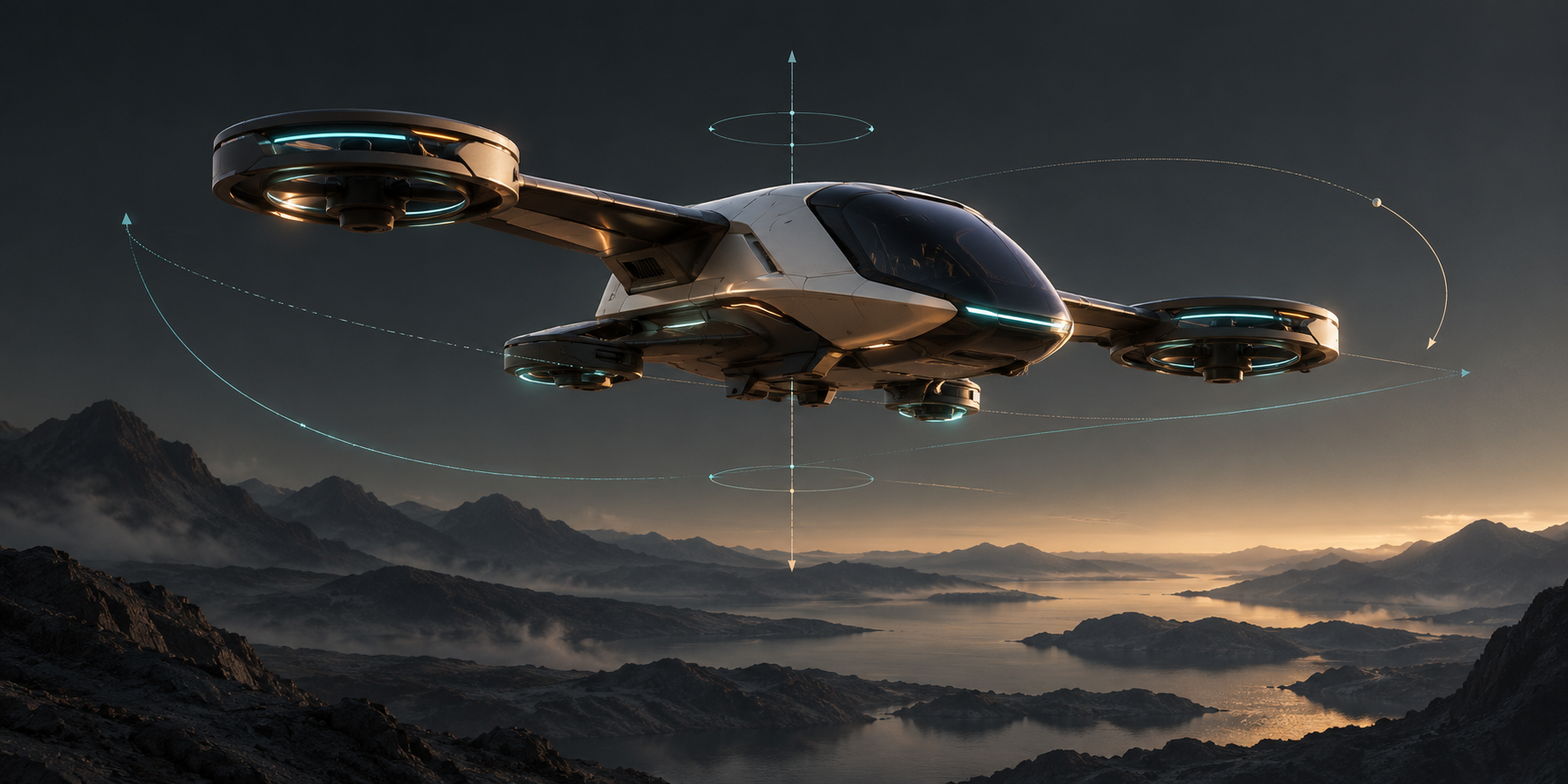
This flight simulation project uses UE and AirSim. The user controls forward, lateral and vertical movement and turning while the scene and observation camera continue to update. The project also involved motion platform integration tests and adjustments to VR and camera configuration.
My work focused on control integration and engine compatibility: translating input into simulation commands, separating translation from heading, and reducing blocking calls on the game thread.
| Area | Scope |
|---|---|
| Scene | UE flight simulation environment |
| Controls | AirSim, input updated each frame and velocity commands |
| Compatibility | UE 5.6 interfaces and initialization paths |
| Related work | Six-axis platform tests, VR and camera configuration |
| My contribution | Input mapping, yaw, coordinate conversion, nonblocking calls and camera integration |
Features I worked on
Input and velocity commands
I organized forward, lateral and vertical input by axis, applied limits and converted it into control commands. The Pawn reads input and submits targets in Tick, allowing later frames to update control when the input changes.
Horizontal movement uses the current yaw to make forward input follow the vehicle heading. Vertical input is processed separately so that horizontal conversion and altitude direction have distinct responsibilities.
Independent yaw control
Movement direction and vehicle heading are maintained separately. Target yaw is initialized from the vehicle’s actual estimated yaw; turning input then accumulates an angle using DeltaTime, with angle wrapping.
The vehicle can therefore move sideways or diagonally while retaining an independent turning intent. The velocity vector does not automatically become the requested heading.
UE and AirSim integration
I centralized centimetre-to-metre conversion and the difference between UE and NED vertical axes at the interface boundary. Control calls became nonblocking so that the scene, camera and interface could continue to update after each target submission.
I also adapted interfaces and initialization for UE 5.6, disabling AirSim CameraDirector initialization to reduce competition with the project’s camera management.
Challenges and implementation
Control calls interfering with scene updates
The previous path used an interface with a movement duration, and waiting for the action affected game-thread updates. In an interactive simulation, this tied input, scene and camera processing to the control call.
I switched to nonblocking setVelocityCommandBodyFrame. Each Pawn Tick submits the current velocity and heading target, then lets the game thread continue. Subsequent frames maintain control instead of one call waiting for an entire action to finish.
Unwanted yaw during diagonal movement
When translation and heading shared direction logic, combined forward and lateral input could produce large yaw changes. I maintained target yaw separately and used only the current yaw when transforming horizontal input.
Velocity commands determine movement and the target angle determines heading. Initializing yaw from the actual estimate also avoids an initial turn toward a default angle.
Units and coordinate conventions
UE commonly uses centimetres, while AirSim velocity interfaces use metres per second. NED points Z downward; UE points it upward. Incorrect conversion can appear as reversed altitude control, an unexpected speed scale or confusing axis behaviour.
I placed these conversions at the interface boundary so that input mapping, scene motion and simulation data follow explicit conventions that can be inspected independently.
Separating camera behaviour from vehicle motion
If both the project’s camera system and AirSim camera management initialize, a viewpoint change can look like a vehicle motion problem. I adjusted CameraDirector initialization, separated flight control from the observation view and camera ownership, and worked on the related VR and camera configuration.
Results and scope
The integration provides a path from input through velocity and yaw calculation, coordinate conversion and command submission each frame. Nonblocking calls let the game thread continue after submission, while translation and heading can be adjusted independently.
The current per-axis limits do not impose a uniform maximum diagonal speed. The control gains use P with I and D set to zero, so this is not a fully tuned PID flight controller. Dynamics accuracy, frame rate and device response depend on the model, simulation step and runtime environment.
Motion platform and VR work covers the corresponding integration and tests. Complete hardware synchronization and the full VR experience still require validation with the actual devices and usage scenario.
Related records
- AirSim control integration in UE flight simulation: input, nonblocking calls, yaw, coordinates and engine compatibility.
- Six-axis platform and virtual filming: related motion solving, signal processing and data transmission.