Project overview
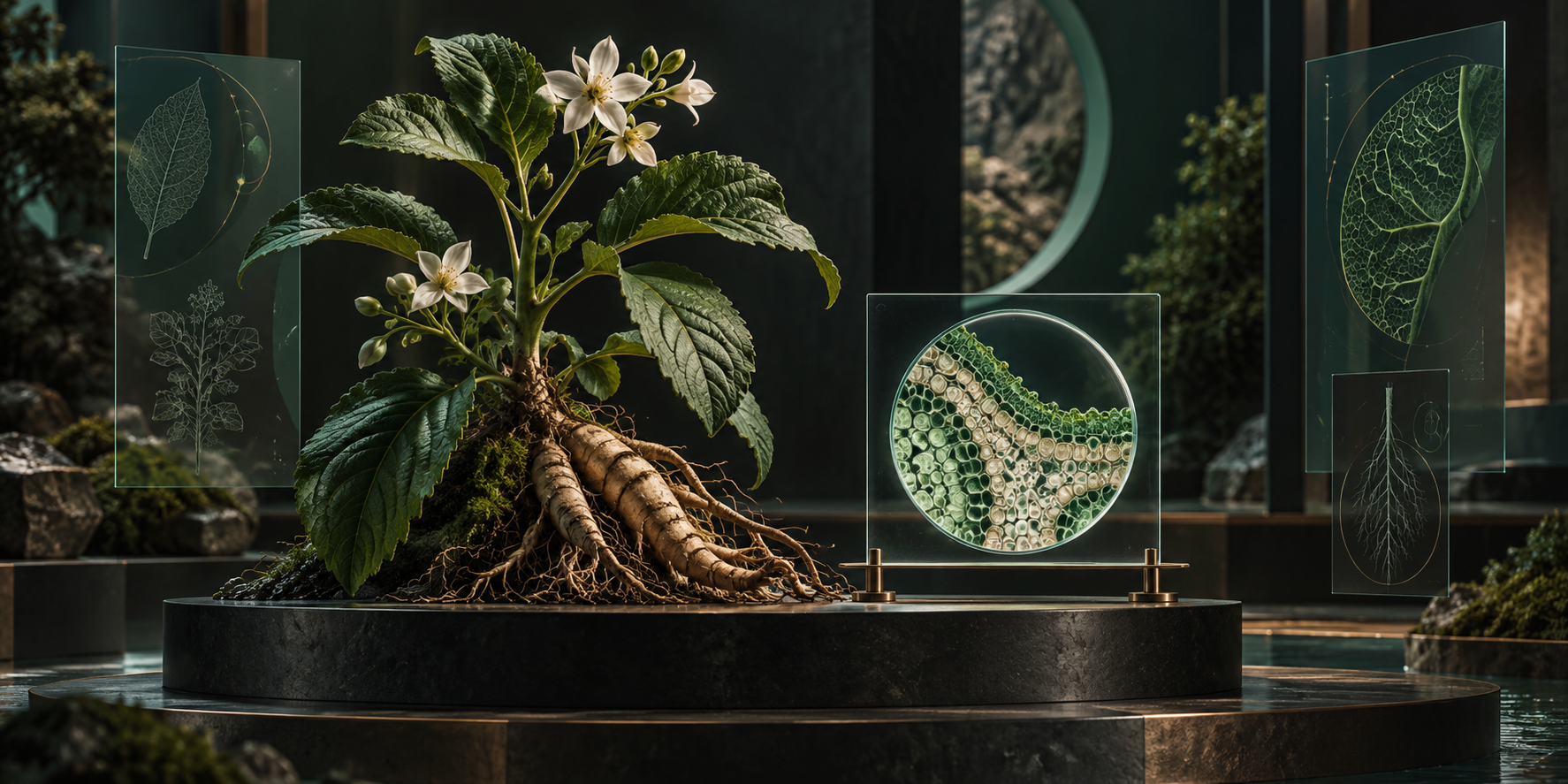
This UE project provides interactive browsing and presentation of herbal information. The display application brings together search, text, images, voice, 3D models and microscope slides. A companion management tool maintains herb and slide records and their media.
Users can find herbs by category or name, view the selected information and models, and inspect slide images at configured magnifications. My work covers application interaction, data organization, resource loading and the management tool. The herbal knowledge, models and image production are not included in my development contribution.
Project components and my responsibilities
| Component | Users | My contribution |
|---|---|---|
| Interactive display | Visitors and information readers | Search, category selection, text, voice, models and slide browsing |
| Data and resources | Display and management applications | Organization and reading of herbs, categories, regions, slides and media |
| External management tool | Content maintainers | Adding and editing records, importing media, validation and saving |
Features I worked on
Search and category browsing
I organized query interfaces for herbs, categories and regions, supplying the interface with information for the current selection. When users search by category or name, the display reads the associated content and presents text, images, voice and models.
Data queries and scene presentation are separate. Built-in information and externally added content can appear in the same browsing list.
Text, voice and multiple models
I integrated images, audio and multiple models, organized the resources for the selected record and handled asynchronous preloading. Herb models switch in their configured order, with presentation using the selected record’s media configuration.
Microscope slide browsing
I organized the relationship between slide records and magnification images, including switching between configured 4×, 10× and 40× images. Available magnifications remain associated with the actual record and its image resources.
External content maintenance
The companion tool supports adding and editing herb and slide records and importing and checking images, audio and models. After maintainers save updates, restarting the display application loads the latest content.
Supported media includes PNG, JPG and JPEG images; OGG, WAV and MP3 audio; and self-contained GLB models. Imported media must meet the display application’s format requirements.
Challenges and implementation
Associating several media types with one record
Descriptions, images, voice, models and slides need different presentation methods. A text list alone cannot support the full browsing experience.
I organized media associations around content records, then passed the current selection to the corresponding presentation logic. Queries, resource preparation and scene presentation can be handled separately, including multiple models and slide images for one herb.
Coordinating selection and resource loading
Models, images and audio need to be prepared after a user selects content. I integrated asynchronous preloading and coordinated resource preparation with presentation, keeping data queries and media loading as separate responsibilities.
Browsing built-in and external content together
The application contains built-in information and content added through the management tool. Separate interaction paths for each would fragment browsing and maintenance.
I organized both sources into the same browsing list while retaining the separation between queries and scene presentation. Maintainers update records and resources externally, and the display reads saved content at startup.
Checking records together with their media
Adding content requires more than a name: images, audio and models must meet the display’s reading requirements. The management tool therefore provides record editing, media import and save-time checks together.
Models use self-contained GLB files, while images and audio are checked against supported formats. The tool handles maintenance operations and the display focuses on reading and presenting the content.
Maintenance workflow
- Add or select a herb or slide record and edit its information.
- Import images, audio and self-contained GLB models, then configure media order and slide magnifications.
- Check and save records and resources in a form the display can read.
- Restart the display application and inspect the updated list, models and slide images.
Results and scope
The project connects information queries, multimedia presentation, microscope slide browsing and external content maintenance. Visitors use the display application; maintainers update records and resources in the companion tool.
Presentation depends on the configured content, available magnification images and supported formats. External updates are read after saving and restarting, rather than through seamless runtime hot updates. Herbal knowledge and media creation are outside my development contribution.