Overview
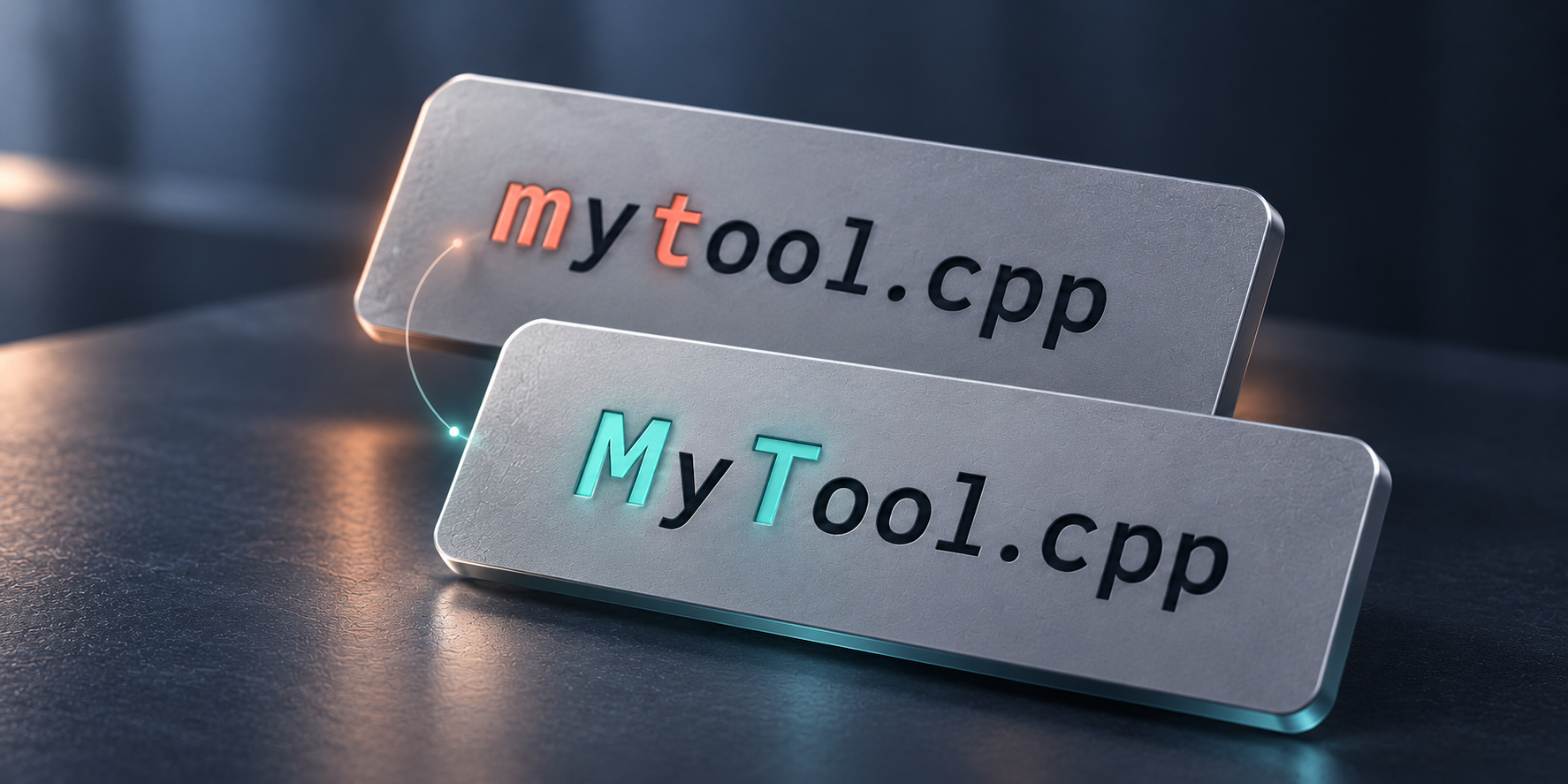
P4CaseSync checks the path capitalization of opened files before a Perforce submit. Using actual disk paths as its reference, it checks files in a specified changelist or default and provides preview, manual adjustment, and correction actions.
Its goal is to make the Perforce paths being submitted match the actual directory and file names.
Background and goals
In a Windows workspace, capitalization differences may not affect local file access, yet can leave inconsistencies in Perforce paths, cross-platform synchronization, or later collaboration. Checking directory levels file by file makes omissions easy.
The tool compares actual local paths with the opened file list so submitters can inspect differences before deciding how to correct them.
Core capabilities
Reading files awaiting submission
The tool uses the Perforce CLI to retrieve opened files in a specified changelist or default.
Its scope matches the submission being handled, allowing path checks before the actual submit without scanning the entire repository for unrelated files.
Checking actual local capitalization
The tool checks capitalization at each level against actual local directories and provides a consolidated preview of suggested paths and manual adjustments.
Manual adjustment and verification
Users can fine-tune target paths beyond the automatic suggestions. After applying changes, the tool checks consistency again.
Corrections may involve p4 move. Verify target paths in the list before execution, then inspect the pending submission through the normal Perforce workflow afterward.
Use cases
It suits Perforce projects shared between Windows and case-sensitive platforms, or cases where file and directory names differ from Perforce records before submission.
For a changelist with several path changes, a consolidated preview makes omissions easier to spot.
Scope and limitations
The tool requires an available Perforce CLI, correct workspace mappings, and a valid login.
Path corrections are version control operations and may change opened file records. Check the target list before applying them and review the changelist afterward. The tool handles path consistency; it does not replace content review or submission permission checks.
See the usage guide for steps and parameters.