Overview
SimpleLauncher manages external programs through named presets in UE games. Projects configure launch commands, working directories, and execution modes for services or tools, then start, query, or stop processes by preset.
Each preset supports multiple instances. Instance identifiers and exit notifications let game logic distinguish their lifecycles.
Background and goals
Some UE projects depend at runtime on local services, background processors, or helper tools launched with the game. Scattering executable paths and arguments across Blueprints or code makes later changes and cleanup inconvenient.
The work centralizes process configuration and provides interfaces from launch to exit so callers know which processes they started.
Core capabilities
Named presets
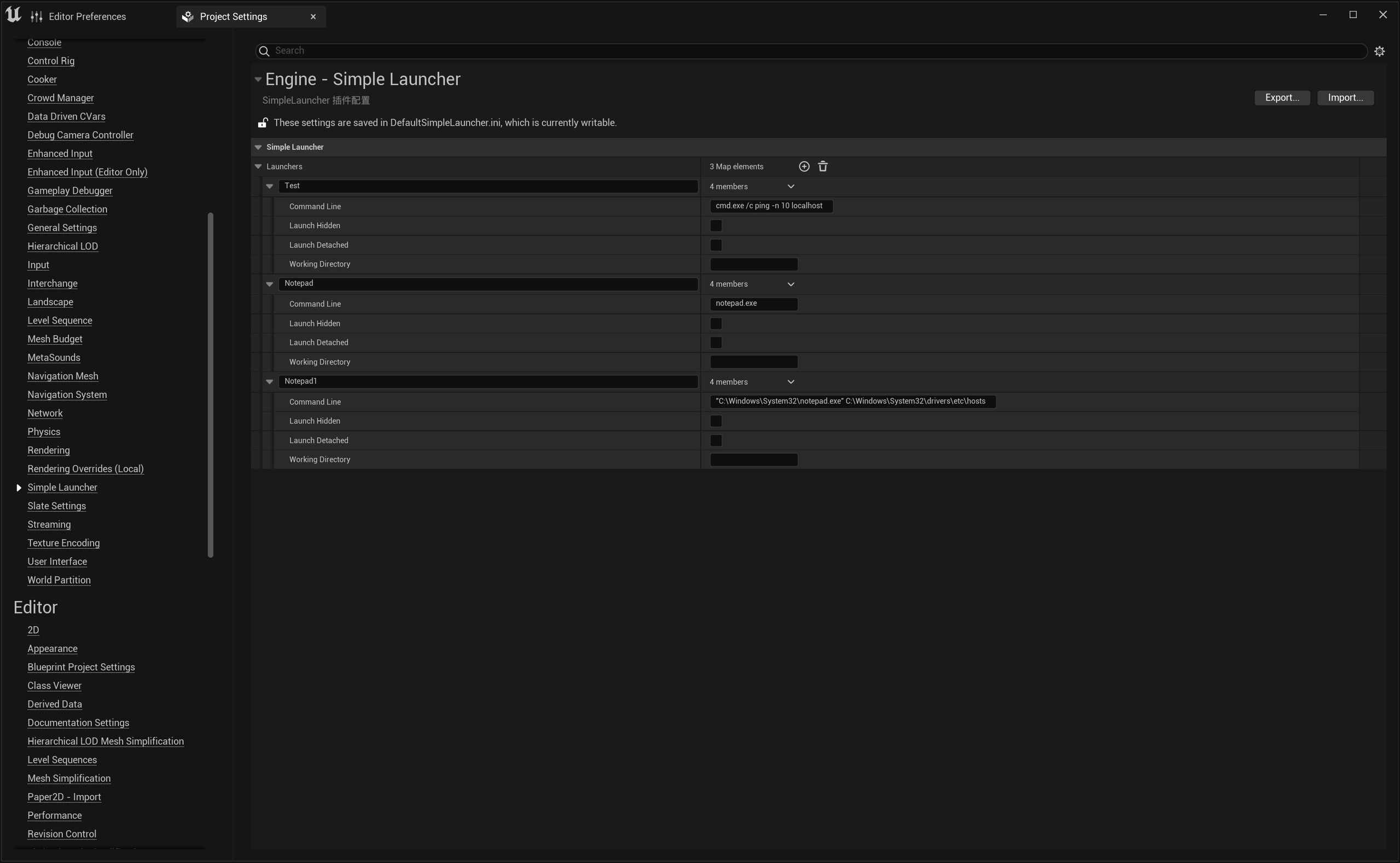
Presets store command lines, working directories, hidden-window settings, and detached execution options. Games can call them by name and query, update, or remove configuration at runtime.
Configuration describes how to launch a program; the program and its arguments remain the project’s responsibility.
Multiple instance lifecycles
One preset can launch several processes, each distinguished by FProcessId. Callers can query or stop an individual instance or stop a group by preset, avoiding imprecise management by program name alone.
Instance-level or preset-level exit notifications can update interfaces, clean up state, or trigger the project’s own subsequent logic.
Cleanup on exit
Default non-detached execution cleans up managed processes when the game exits. Detached execution allows external processes to remain alive. This distinction supports different lifecycle policies for temporary helpers and independently running services.
Use cases
It suits starting local services with a game, invoking background processors during a workflow, or launching several similar instances in parallel for tests.
Exit notifications help determine whether an external task has ended. Failure retries or automatic restarts still need conditions and policies defined by project logic.
Scope and limitations
The plugin launches and tracks processes it manages; it does not guarantee that a target program runs successfully or produces correct output.
Detached processes do not close automatically with the game, so configuration must establish who terminates them. Command lines and working directories must reference existing, accessible resources.
See the usage guide for steps and parameters.