Perforce: Client Installation and Configuration Guide
Download and Installation
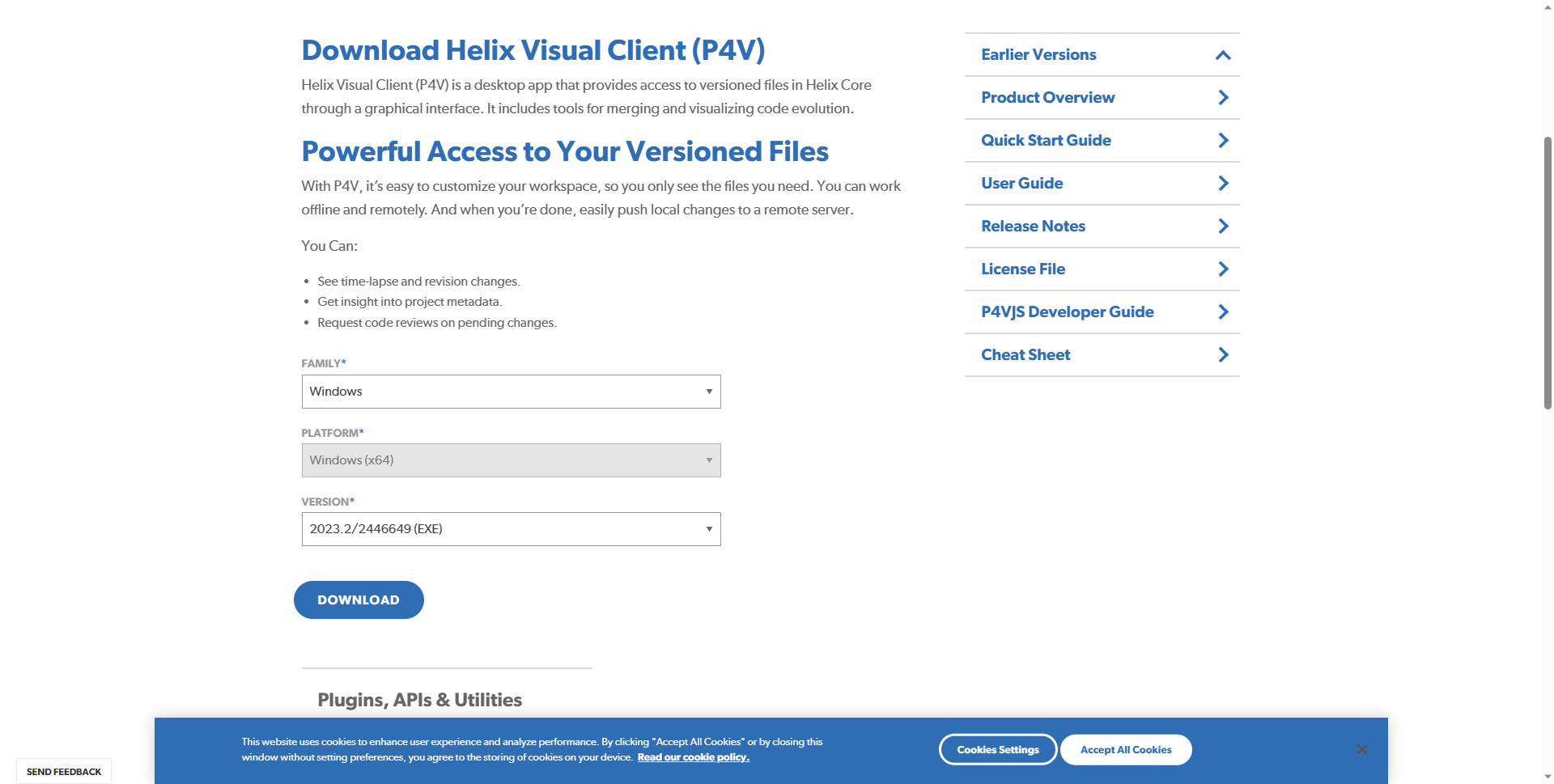
- Download the P4V client from the official website, selecting your platform and version.
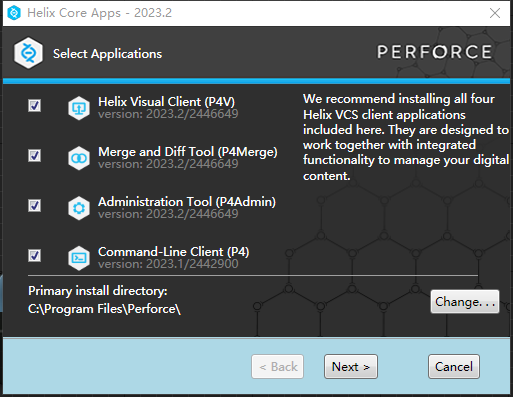
- Double-click the installer, keep the default components and path, and follow the wizard to complete installation.
Environment Setup (Required on First Use)
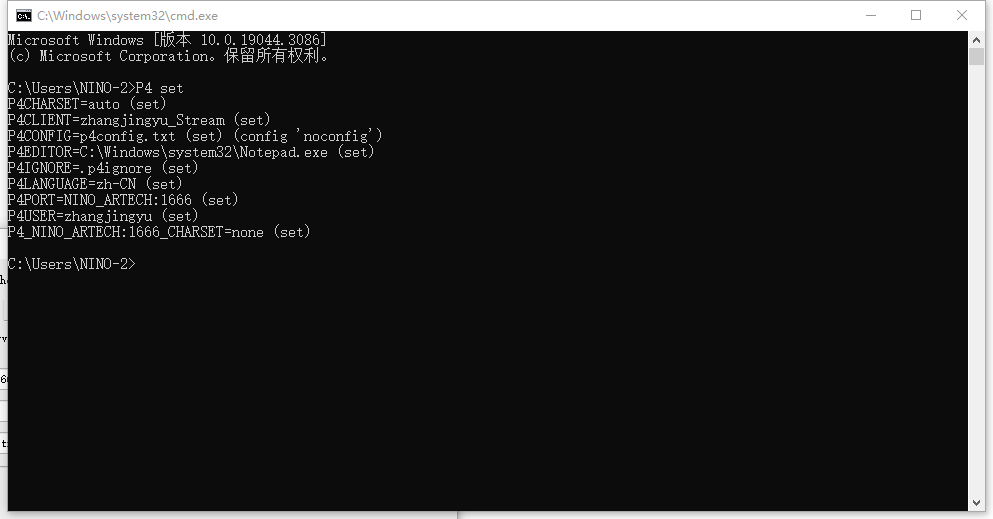
On Windows, use the command line to configure the Perforce environment and view the result:
P4 set P4PORT=ServerIP:1666
P4 set P4CLIENT=UserName
P4 set P4CONFIG=.p4ignore
These three settings are required. They configure the server connection, username, and ignore file respectively
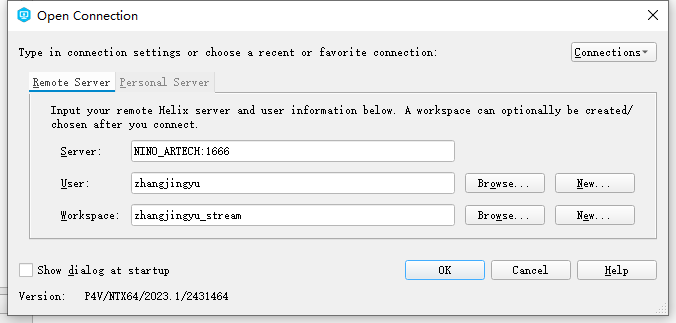
Connecting to the Server
- When opening P4V for the first time, enter the server and username as prompted to connect.
- Example server:
NINO_ARTECH:1666(enter the value for your actual environment).