UE: Changing the Cache Path
The easiest way is to search for \Engine\Config\BaseEngine.ini using Evenyting.
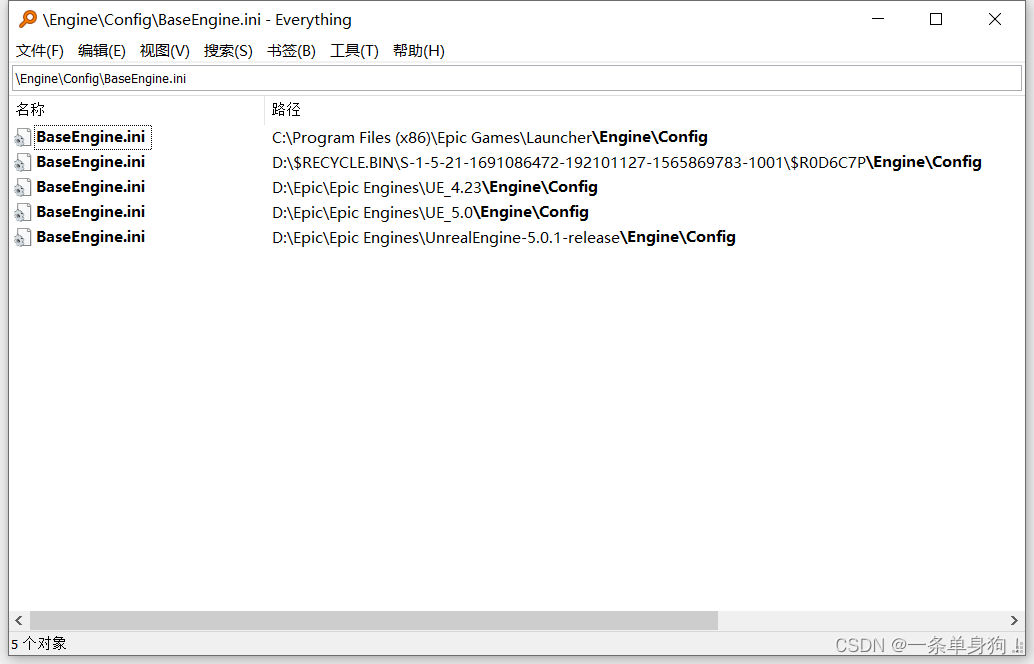
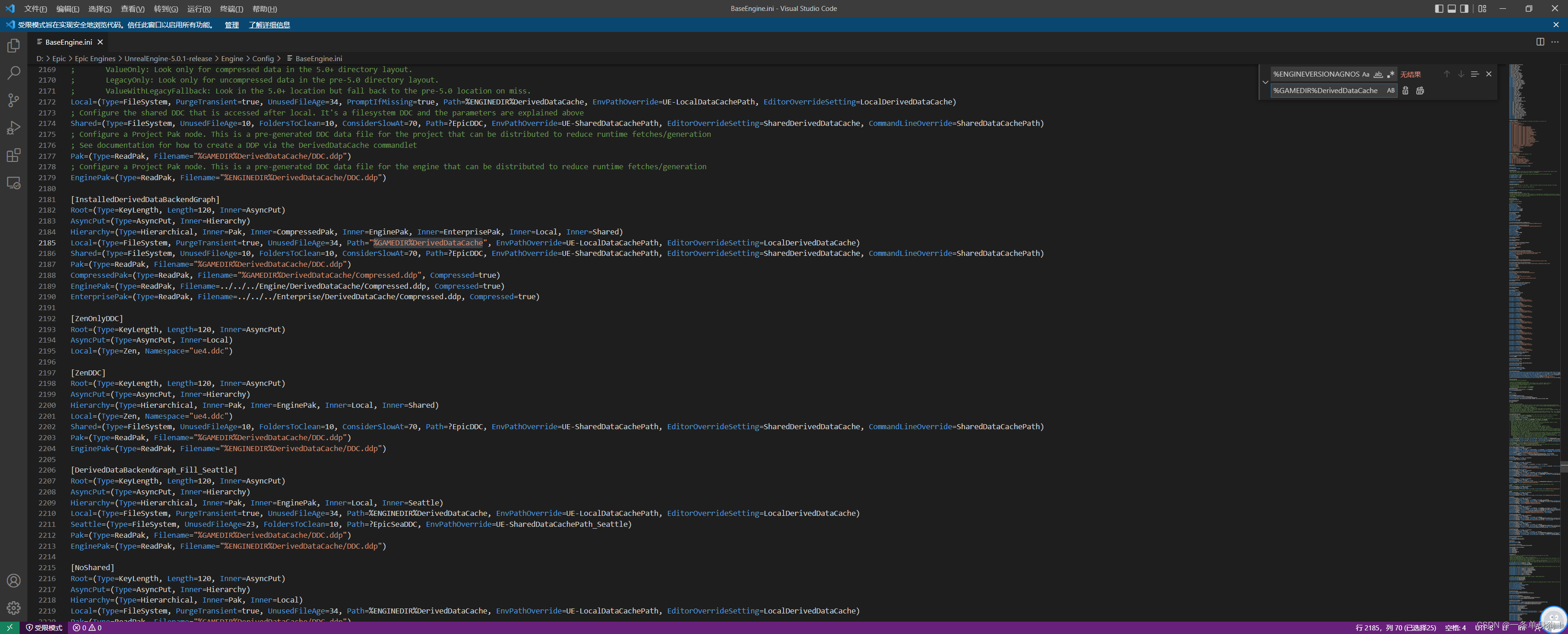
Find the file for the engine you want to modify and change %ENGINEVERSIONAGNOSTICUSERDIR%DerivedDataCahe to %GAMEDIR%DerivedDataCache. GAMEDIR refers to the project path.
Finally, find the previous default path on the C drive and delete the cache. What? You do not know where it is?
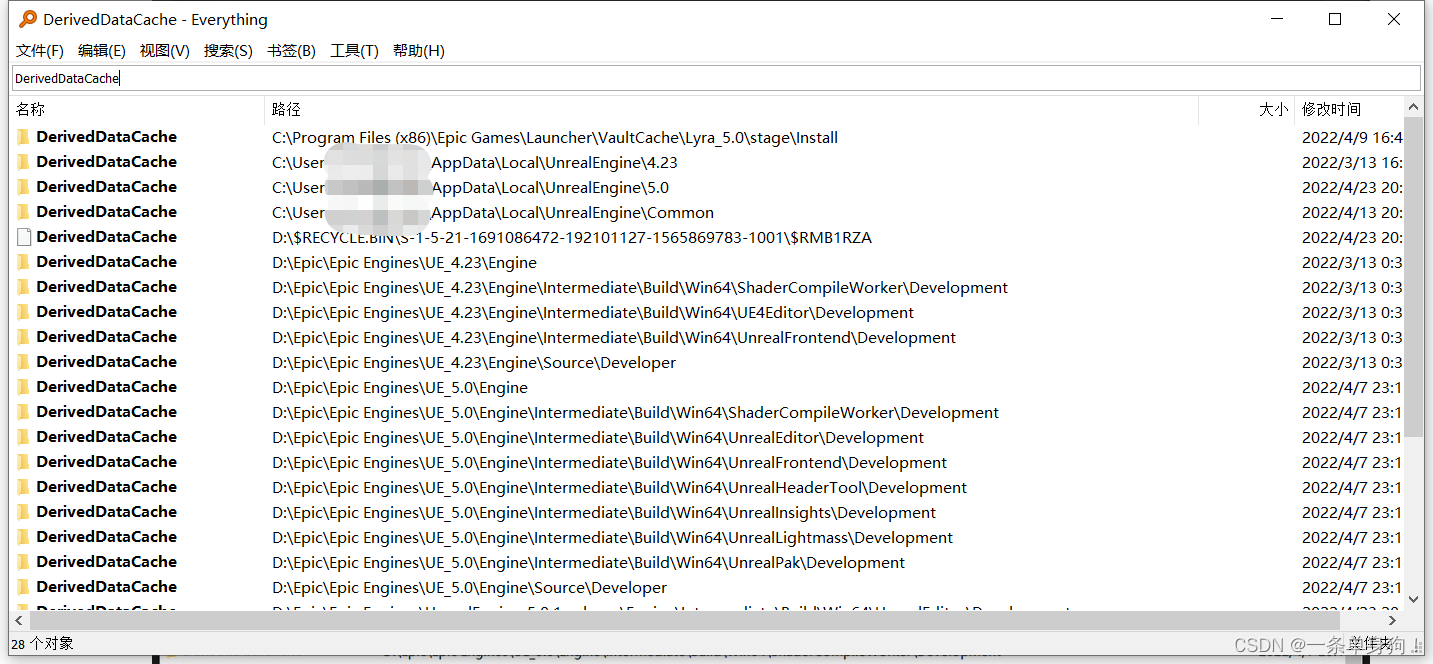
Everything is the GOAT!
Thanks for reading. Feel free to like, follow, or bookmark this article, and discuss any questions in the comments.
If this article helped you, click here to donate and support the author.
