Project overview
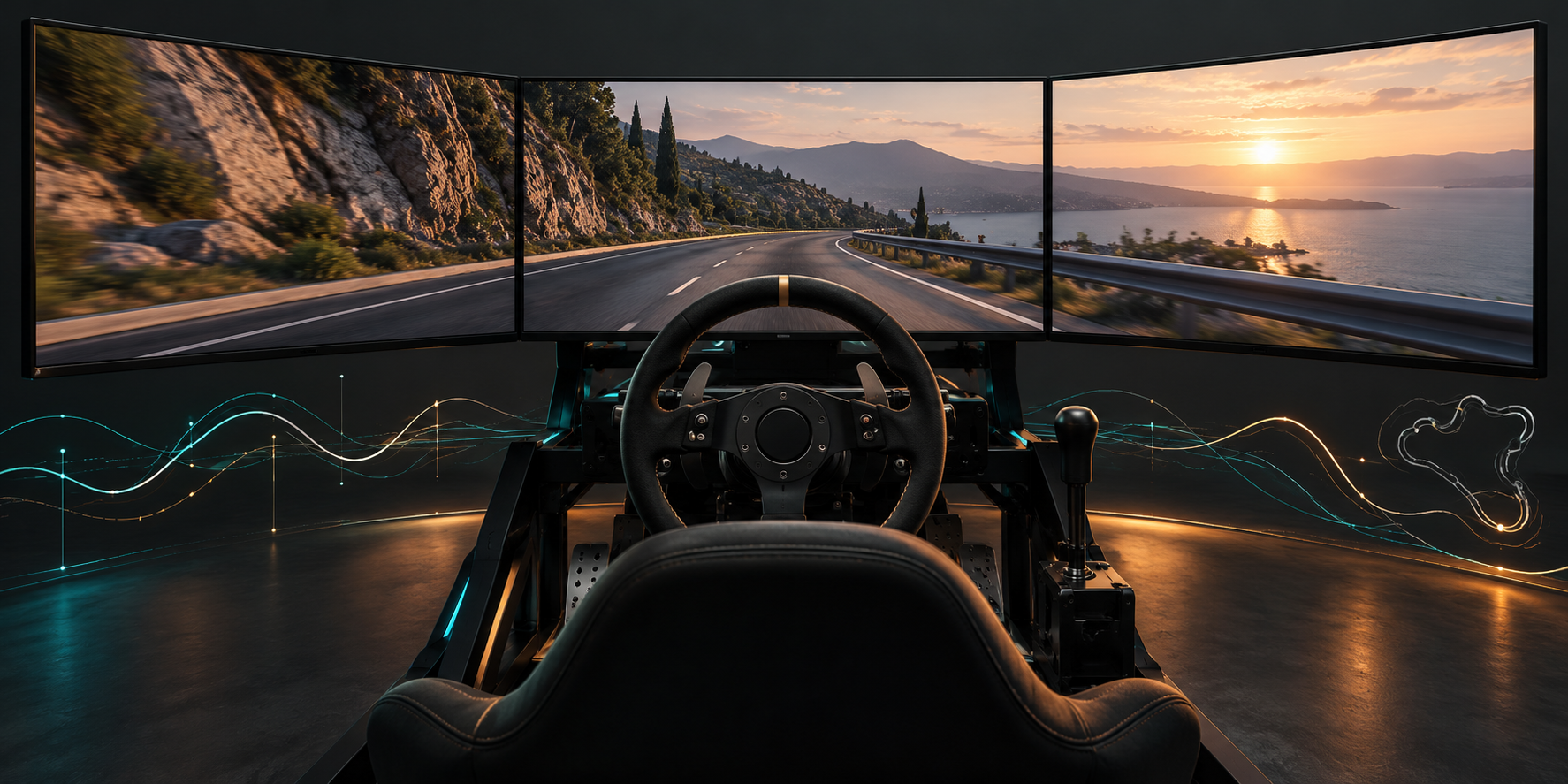
This Unreal Engine project supports driving practice and simulated examinations. Three screens present the driving environment while the application captures controls and vehicle state. Results, time series and scene replays provide different ways to review a session.
The project needed consistent lighting and exposure across the screens, together with records that explain the driver’s actions and session outcome. My work covered rendering adjustments, driving data collection, results and UE replay management.
| Area | Scope |
|---|---|
| Use | Driving practice, simulated examinations and session review |
| Display | Three screens with multiple views |
| Engine | Relevant source changes for UE 5.3 / 5.3.2 |
| Records | Process JSON, results JSON and UE Network Replay |
| My contribution | Rendering fixes, process and results data, replay integration |
Features I worked on
Lighting and exposure across three screens
I addressed missing Lumen global illumination and inconsistent automatic exposure in the three-screen setup. The changes involved engine view limits, view data associations and the LocalPlayer view construction path.
This work required changes to specific engine versions; it was not a general project setting that could be enabled without modifying source.
Driving data collection
A WorldSubsystem coordinates continuous collection. Steering, brake, throttle, speed, head orientation, position and direction are stored in channels with timestamps. Position is converted from UE centimetres to metres at the recording boundary.
Continuous values and discrete states have different representations. Steering, brake and speed become curves, while gear and indicator changes become events with a time and value. This supports both trend review and inspection of individual actions.
Results and queries
Session results are stored separately, including result labels, turning and starting counts, completion time, reaction time and date, with record filtering. Results answer outcome queries; process data describes the actions behind them.
Scene recording and replay management
I integrated UE Network Replay and wrapped recording, playback, enumeration, renaming and deletion for use by the application interface. Scene playback uses the engine’s replay system. The process curves are not a custom engine for reconstructing the entire scene.
Challenges and implementation
Supporting a third view in the rendering path
Adding a third screen affected more than the final image. Relevant UE 5.3 code used a fixed maximum view count, which affected GI when the project exceeded that limit.
I traced the related source paths, changed the applicable maximum from two views to three and documented seven modification locations. The associated data paths needed to support the additional view together, rather than changing only the display entry point. The detailed source references are linked below.
Sharing exposure data between LocalPlayers
Independent automatic exposure could produce noticeably different brightness across screens showing the same driving environment.
For the UE 5.3.2 view construction path, I used a custom LocalPlayer to assign Secondary StereoPass to the relevant non-primary views, associating exposure calculations with the same view data. This solution depends on that engine version and view arrangement; other versions require source review.
Keeping results, process curves and scene replays distinct
Each record serves a different review task. Results describe completion and action counts; curves show how controls and vehicle values changed; scene replays let the user watch the session again. A single format would obscure what each record can represent.
I kept these records separate so that statistics, process analysis and replay management can use the appropriate data. Similar fields from the same session are not treated as interchangeable records.
Variable sampling and background saves
Collection follows Tick, so it cannot assume a fixed sampling frequency. Samples retain their time coordinates and are processed in batches. The threshold of 3,000 samples is a buffer threshold, not a fixed time interval. Curves are fitted and simplified per channel and read using their actual timestamps.
Serialization and file writes run in the background. A lock coordinates writes to the same path, and a completion callback can return to the game thread. This separates file work from collection and distinguishes starting a save from finishing it.
Results and scope
The project combines three-screen display adjustments, process collection, results queries and engine replay management. Lighting and exposure are handled on the display side; curves, events, results and scene recordings support different review tasks.
Curve simplification uses an error threshold in the time-value plane, which does not imply the same physical accuracy for every channel. The current collection caller also does not wait for background saves when exiting. Reliable retention of the final batch requires coordination between session shutdown and completion notifications.
The rendering changes apply to the engine versions used at the time. Other versions need their corresponding source checked. Which actors and states a replay reproduces depends on the project’s replication and Replay configuration.
Related records
- Driving data recording and UE replay management: channels, events, results, background saves and replay responsibilities.
- Resolving missing GI with multiple views: source changes to the relevant UE 5.3 view limits.
- Synchronizing exposure across screens: LocalPlayer, StereoPass and exposure data in UE 5.3.2.