Perforce: What to Do When You Cannot Delete a Stream Depot
First, Check Which Streams Currently Exist
Use the command:
p4 streams -a

test and Unreal Depot are both Depots I want to delete. The difference is that test is intact, while I had already used stream -f -d to delete the other one, leaving it marked as deleted, but its depot still could not be deleted.
Force Deletion
Use this command to force deletion:
p4 stream -d --obliterate -y -f //test/UEPublic/test1
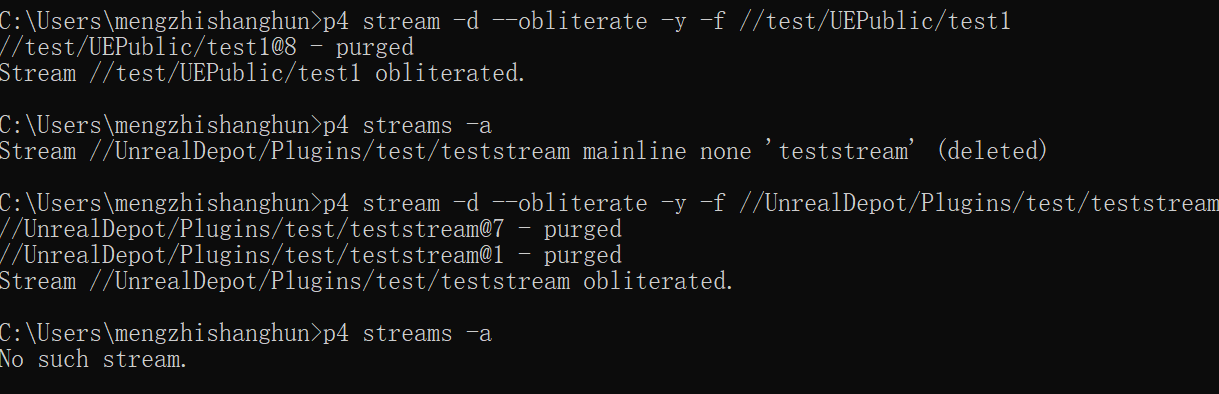
That does it. Then go back to p4admin and delete the Depot.
The Message “has active clients; cannot delete until they are removed.”
This means a workspace is still using this stream. Find that workspace and either delete it or switch it to another stream.
Thanks for reading! Likes, follows, and bookmarks are welcome. Feel free to discuss any questions in the comments.
If this article helped you, click here to donate and support the author.
