UE: Quickly Creating a Map
This only covers quickly creating a usable standard map, excluding World Partition maps.
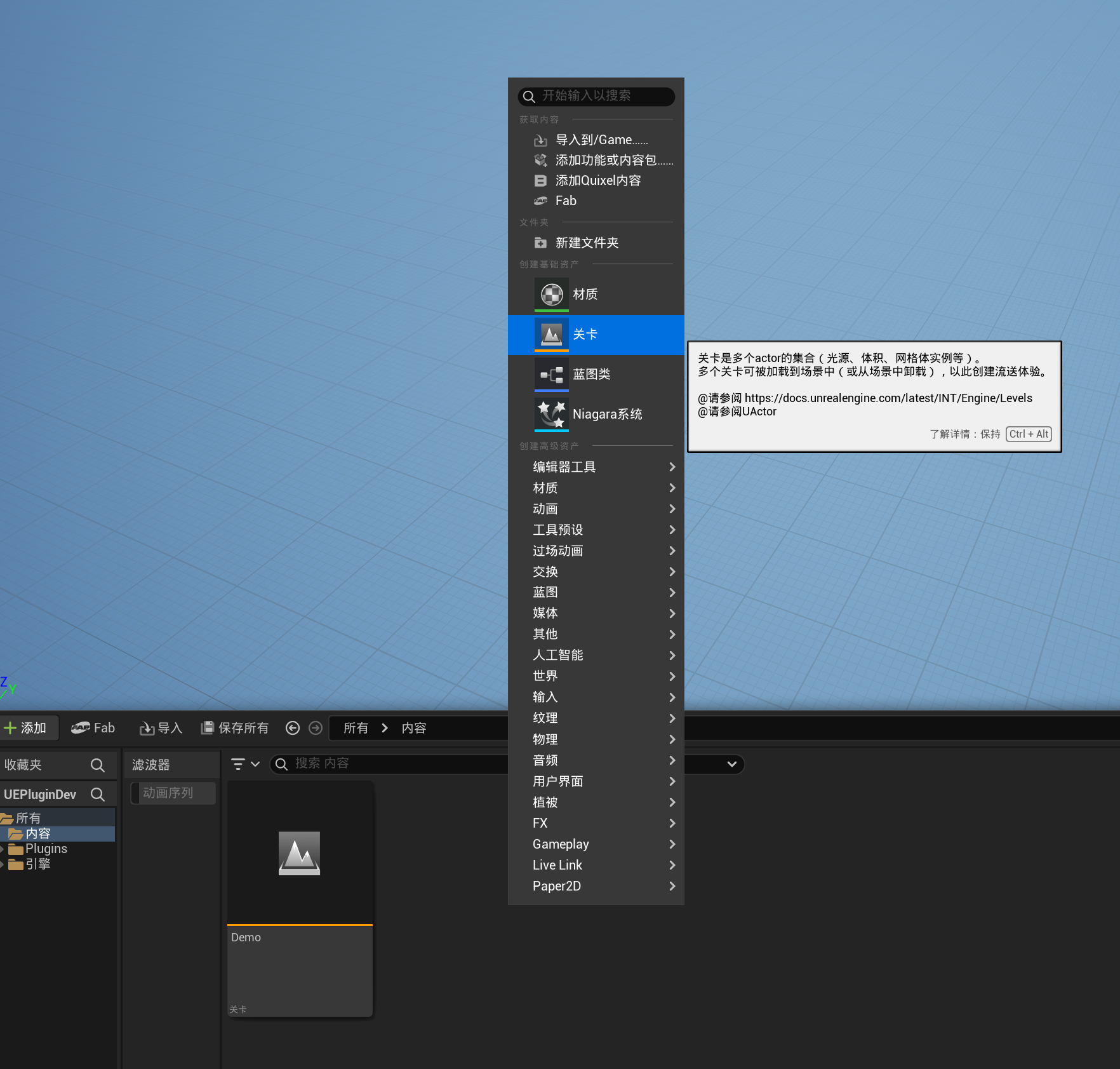
First, press Ctrl+Space to open the Content Browser, then right-click and choose Level
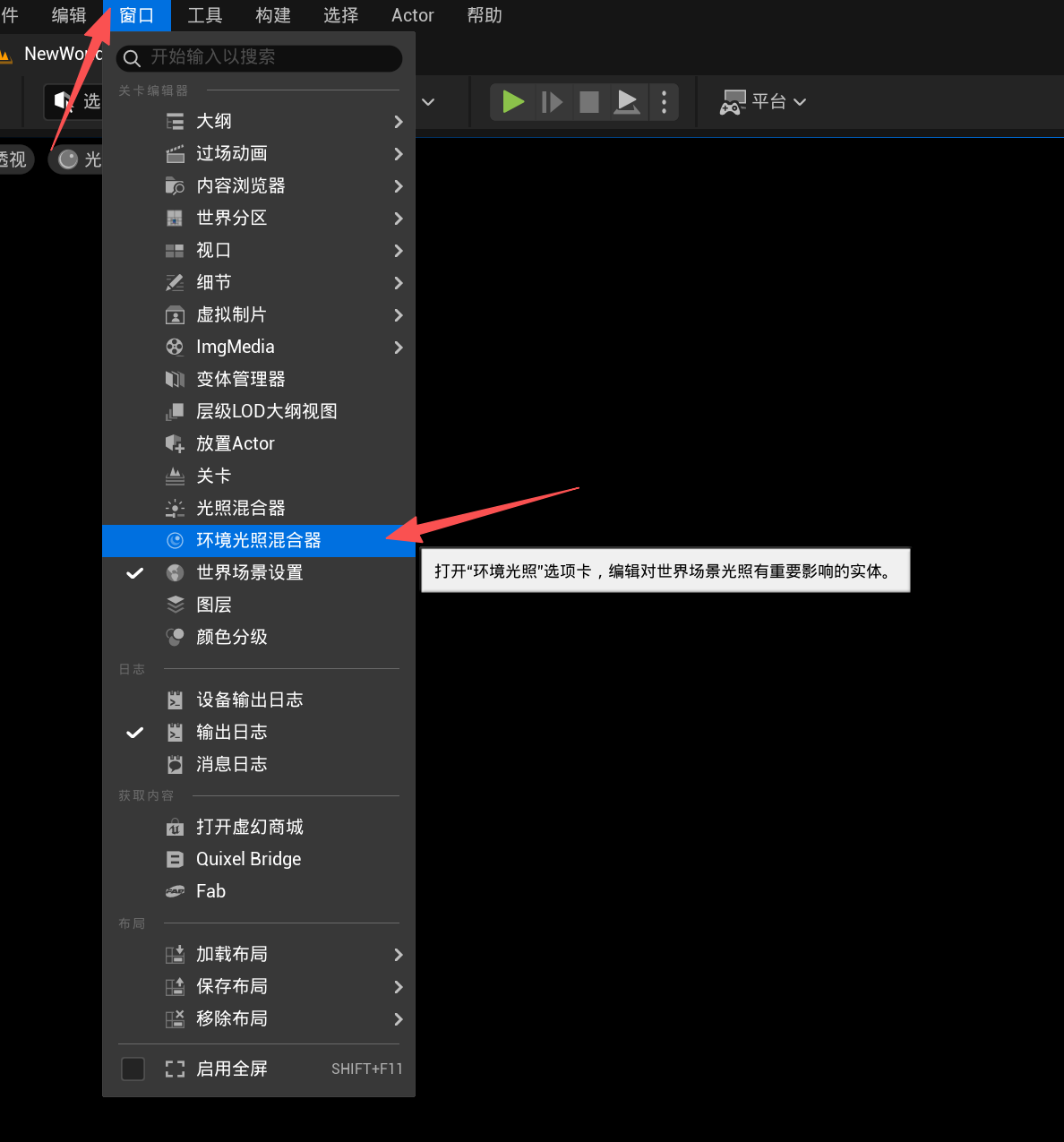
Open Window -> Environment Light Mixer
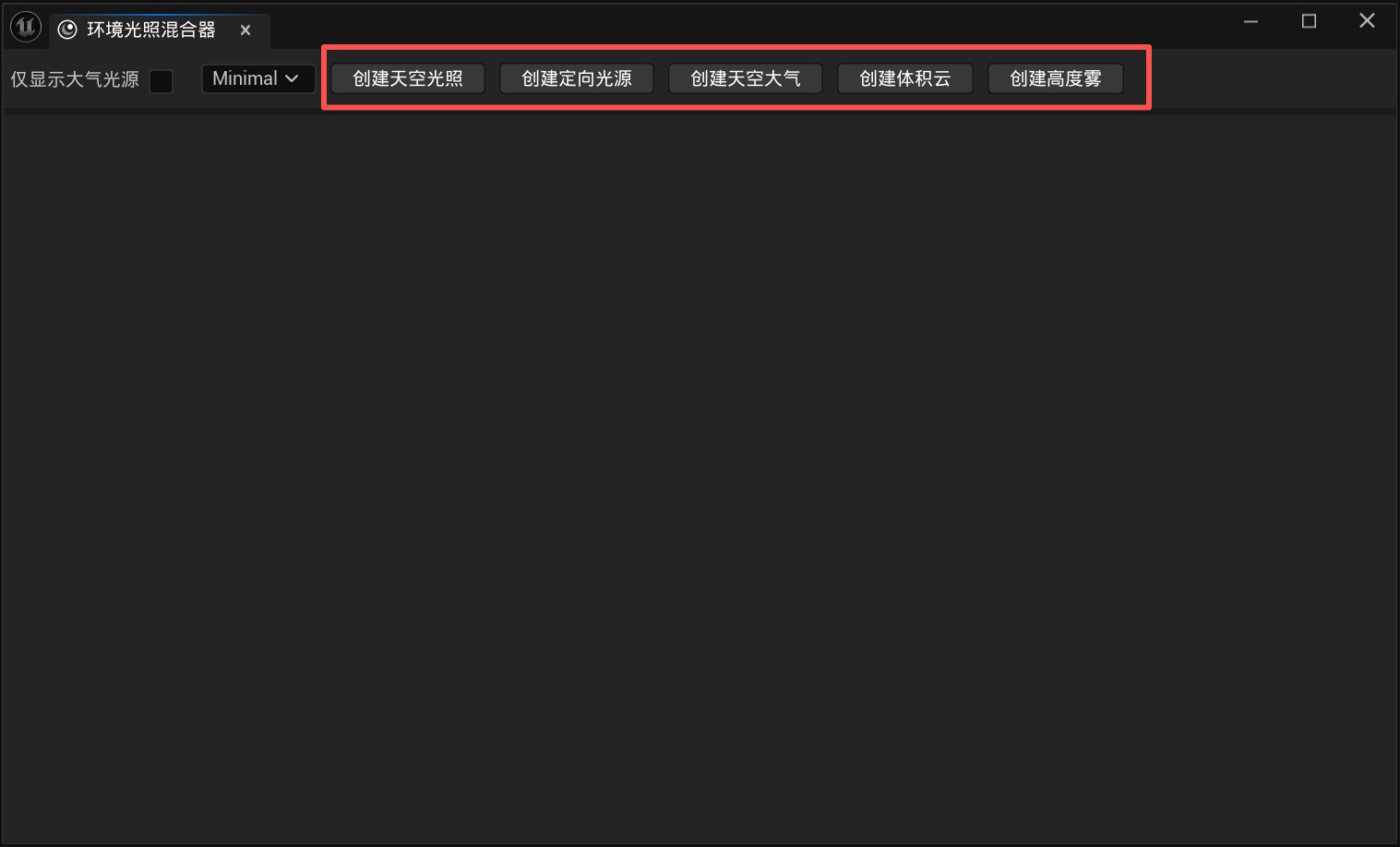
Click these buttons in sequence to create a complete standard map, quickly and conveniently.
If you want to create terrain, switch to Landscape mode
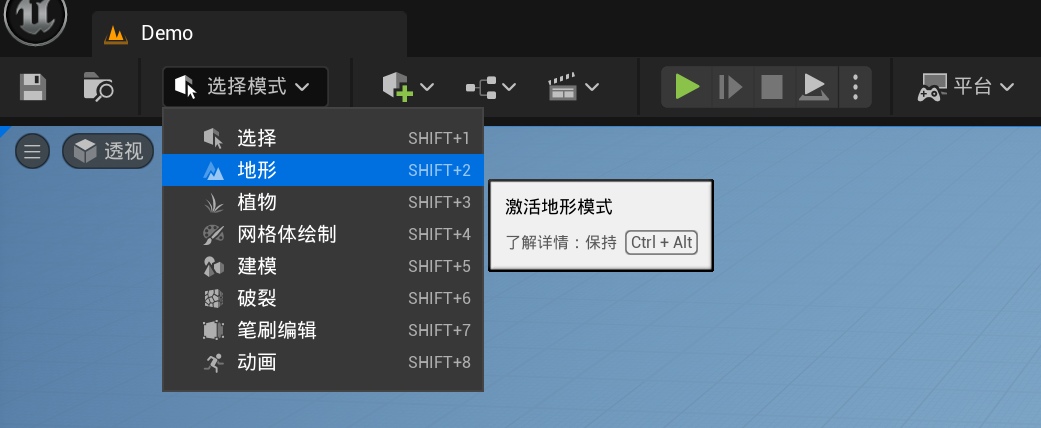
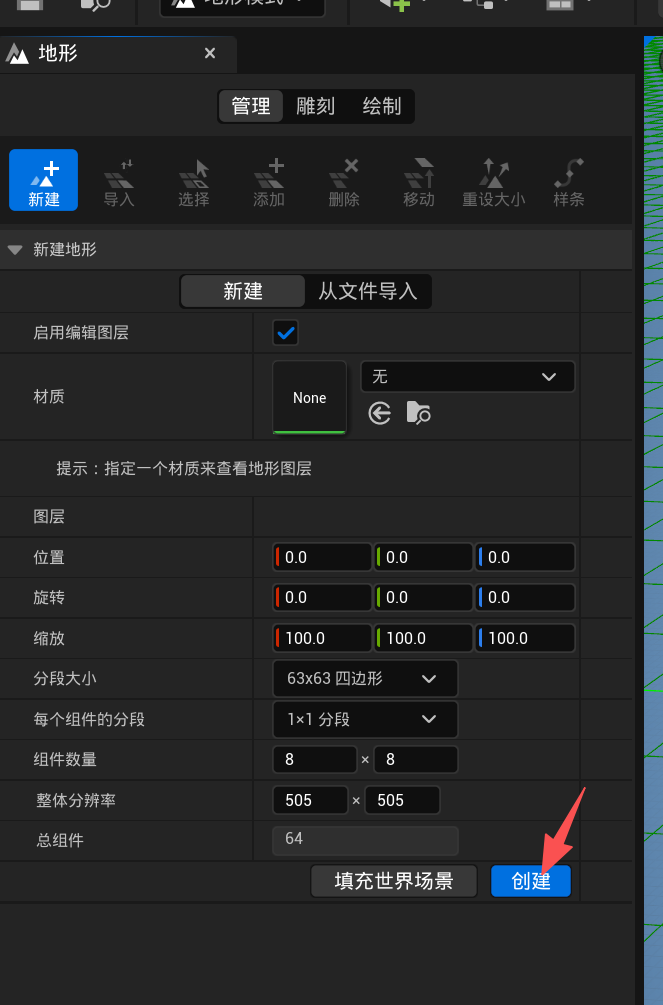
You can adjust the relevant values or simply create it with the defaults
After creation, return to Selection mode
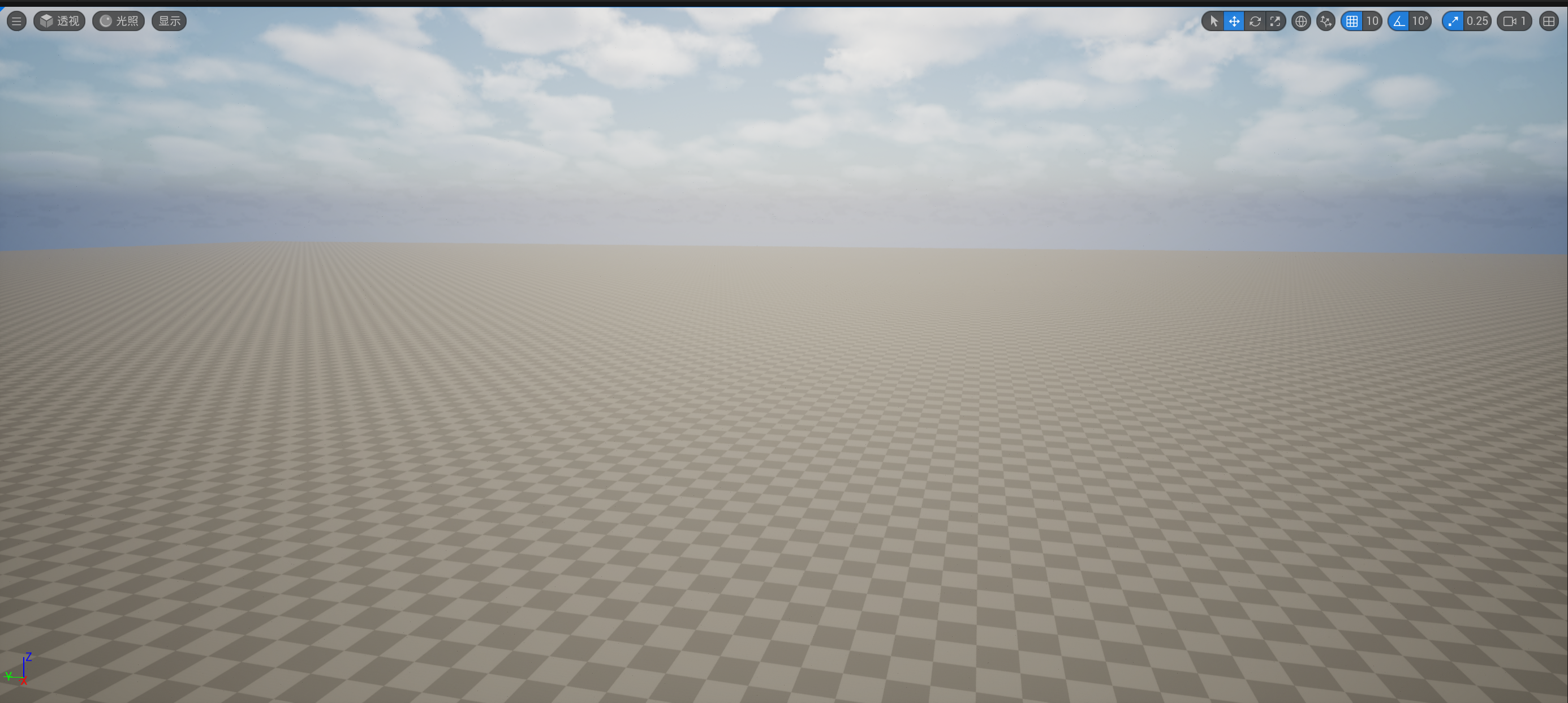
The final scene
Thanks for reading. Feel free to like, follow, and bookmark, and discuss any questions in the comments.
If this article helped you, click here to donate and support the author.
